

If you would like to check how many places are left on a trip, or you want to know the trip status, it is simply done. Read the notes below to find out how.
FIRST STEP
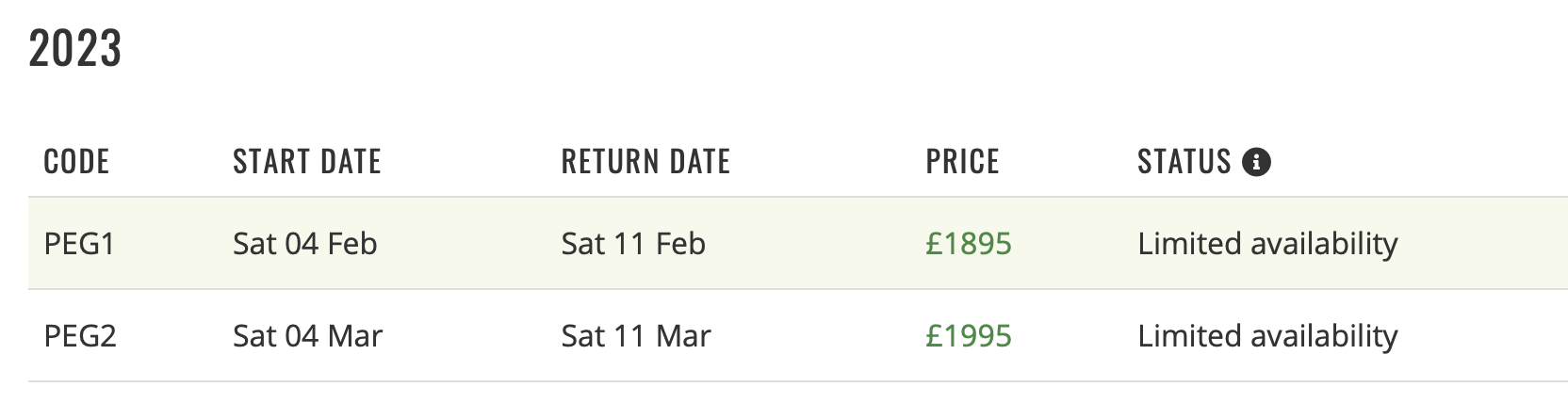
Go to the trip page on the website and then click on the tab labelled 'Dates & Prices'. You will then see the various dates and fees.
SECOND STEP
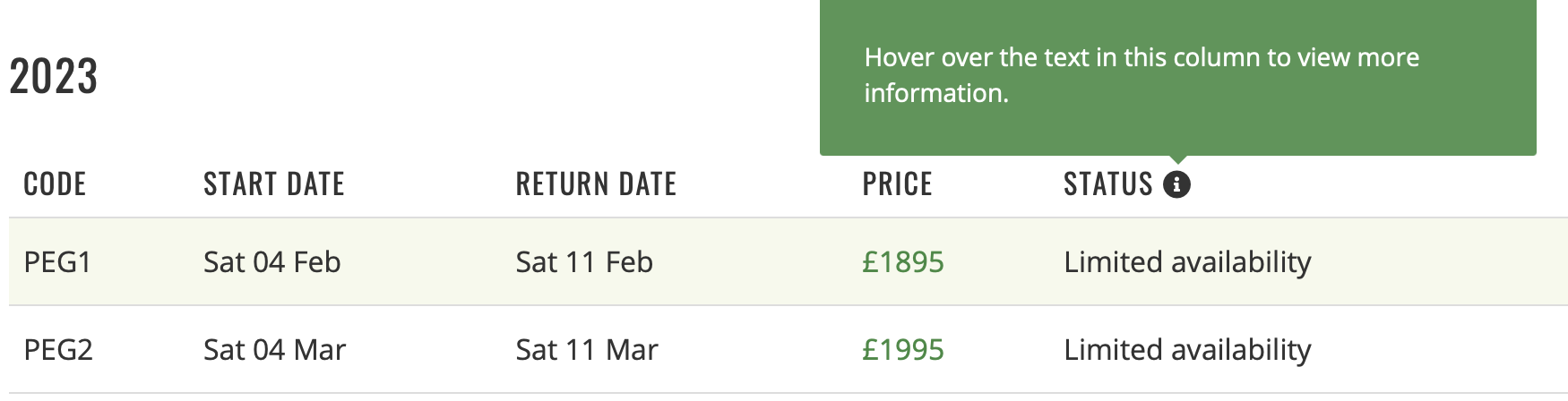
You can hover your 'mouse' over the word STATUS to view an explanation.
third STEP
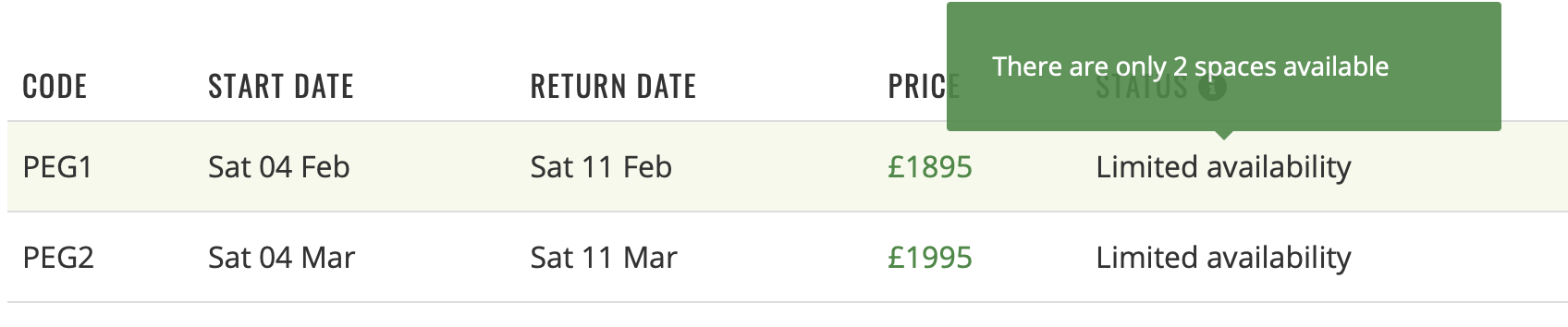
Then hover your 'mouse' over the actual status, such as Limited Availability shown below, and you will then see the number of places left, or the number of bookings required for the trip to be confirmed etc.

We are, of course, happy to respond to any questions about trip status, or availability, but if you want to know immediately then following this procedure will deliver your answer :-)